- When the idea is still loose
- Then: describe the premise, audience, tone, and desired length without forcing a technical prompt.
- Why: the agent can help turn an open-ended thought into a workable outline before you spend time on individual shots.
Definition · AI video workflow
What is Flova AI, really?
Flova AI is a video agent that helps turn a creative brief into a structured, directed video project. Instead of treating generation as one isolated prompt, it brings planning, references, scene development, model selection, and revisions into one workspace.
The short answer
Flova AI in one line
Flova AI is an all-in-one AI video agent for creators who want to describe an outcome, guide the important choices, and receive a coherent sequence of shots rather than a disconnected collection of clips. It can work from text, reference images, style direction, and iterative feedback, while keeping the creative process visible enough for a person to review and redirect.
-
Give it the brief
Start with the idea in ordinary language: the subject, mood, audience, format, pacing, or reference that matters most.
-
Shape the production
The workspace helps organize the concept into scenes, shots, assets, and model choices so the video has a plan before generation expands.
-
Review and refine
Use comments, new direction, and selected assets to revise the parts that miss the intent instead of restarting the entire project.
The useful distinction is that this is not only a prompt box and not only an editor. It is a guided production layer between an idea and the final export. If you are comparing tools, the Flova AI video generator page focuses on the generation side, while the how to use Flova AI video generator guide follows the process step by step.
Choosing the right starting point
How Flova AI works across a video brief
A single workflow can support very different creative jobs. The best entry point depends on whether you already know the finished look, need help developing the concept, or want to preserve a recurring visual identity.
- When the visual language is clear
- Then: bring reference images, examples, or style notes into the brief and call out what must remain consistent.
- Why: references give the workflow a stronger target than text alone, especially for lighting, composition, wardrobe, and atmosphere.
- When one shot needs fixing
- Then: comment on the scene or asset that needs changing instead of rewriting every instruction.
- Why: localized direction keeps the useful parts of the project intact while making revision more deliberate.
Capability boundary
What Flova AI can and cannot do
The platform is strongest when a person supplies intent and evaluates the result. It can accelerate ideation, shot planning, asset development, and iteration, but it does not remove the need for taste, review, or a clear decision about what the audience should feel.
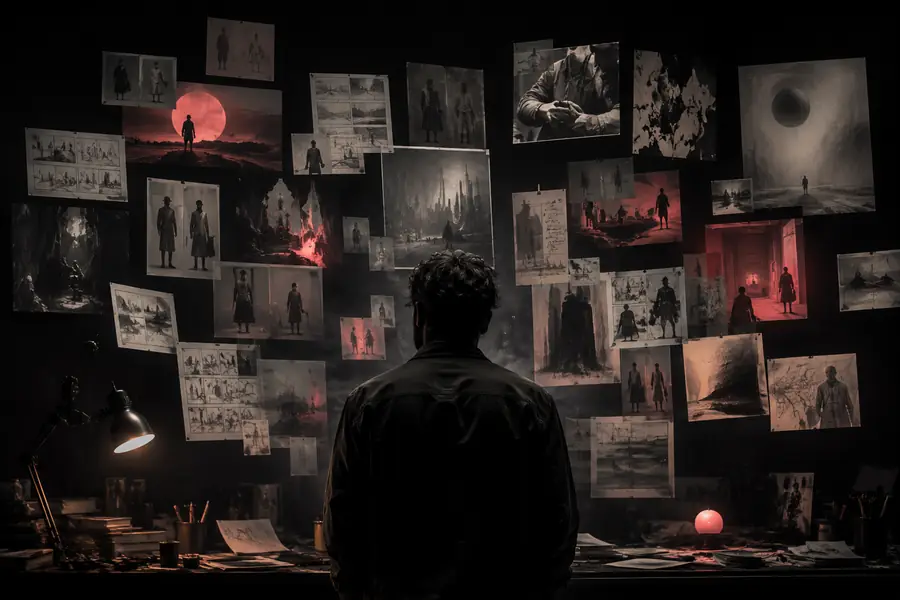
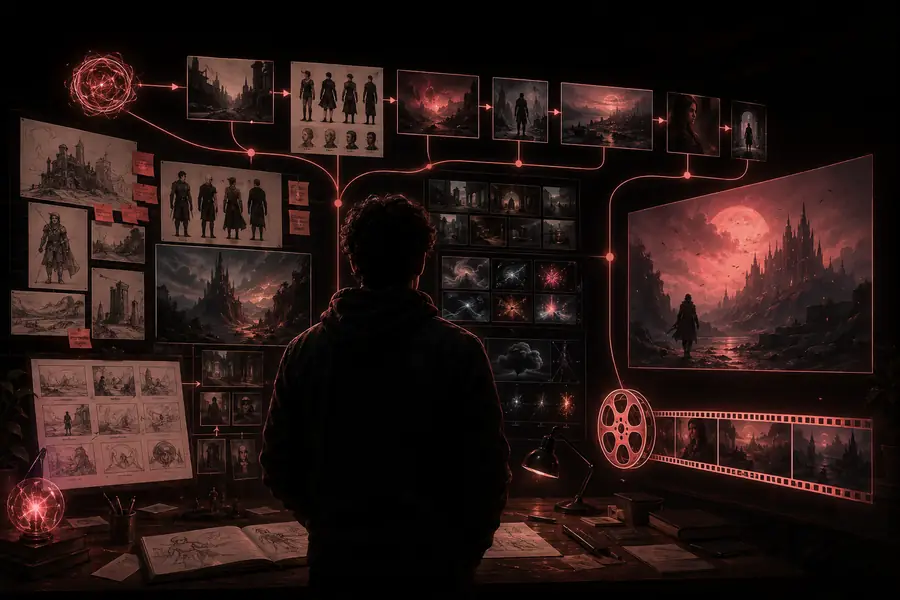
The transformation is not simply “text in, video out.” The value comes from giving the idea structure: a visual target, a sequence of decisions, and a way to revise the result without losing the original intent.
Who it is for
Who uses Flova AI?
Flova AI is designed for people who need to move between concept, direction, and output without assembling a separate tool for every stage. It can suit an individual creator, a small brand team, or a filmmaker testing a visual idea before committing to a larger production.
- Creators making short films, social videos, music visuals, trailers, or concept scenes.
- Designers and art directors who want to test a mood, composition, or campaign direction quickly.
- Small teams that need a shared place for references, shots, feedback, and revisions.
- A reference library, recurring character, or established visual language to carry between projects.
- A finished script or storyboard; the workflow can begin with a much looser description.
How the format evolved
AI video tools have moved from isolated demonstrations toward repeatable creative workflows. That shift explains why an agent-style workspace matters: the difficult part is often maintaining direction across many connected decisions, not producing a single impressive frame.
-
Text prompts became the starting line
Creators could describe a scene and receive a generated clip, but continuity and revision still depended heavily on manual work.
-
References became central to control
Image-led direction, style references, and stronger model choices made it easier to aim for a specific visual language.
-
Production moved into connected workspaces
Storyboards, assets, scene notes, and outputs began to live together instead of being scattered across disconnected generation tabs.
-
Agents coordinate the creative loop
The emerging pattern is brief, plan, generate, review, and revise—an iterative loop where human judgment remains part of the system.
Limits worth knowing
Flova AI FAQ
A clear definition should include the boundaries. The agent is a production partner, not an automatic substitute for a director, editor, rights check, or final quality review.
It cannot guarantee perfect continuity
Characters, objects, motion, and environments may drift between generations, especially across complex multi-shot sequences.
Workaround: use strong references, reusable assets, and targeted revisions.
It cannot decide your creative intent
A vague brief can produce attractive but unfocused results. The platform can organize choices, but it cannot choose the message for you.
Workaround: define the audience, emotional beat, and non-negotiable details first.
It cannot replace review and rights checks
Generated footage still needs human approval for accuracy, brand suitability, likeness, music, and other usage considerations.
Workaround: treat every output as a draft until it passes your review process.
What is Flova AI?
Flova AI is an all-in-one video agent that helps transform ideas, references, and creative direction into planned and polished video work. It connects the stages around generation—briefing, storyboarding, scene direction, asset use, model selection, review, and revision—so creators can work toward a coherent result rather than treating each clip as an isolated experiment.