It cannot remove creative judgment
Flova AI can organize direction, but it cannot decide what your audience should feel or whether a scene earns its place.
Workaround: define the mood, audience, and non-negotiable visual choices before generating.
Independent workflow review · trust angle
This Flova AI review examines whether the agent is useful beyond a polished demo: planning, references, scene direction, revisions, and final cuts are all part of the test.
Best for
Concept-to-cut exploration
Watch for
Consistency between shots
Bring
References and clear taste
Traditional AI video work often meant jumping between a prompt box, an image tool, an editor, and a folder of references. A creator could get an attractive clip, but the surrounding decisions—what belongs in the next shot, which asset should stay consistent, and how a revision affects the sequence—remained manual. That is the baseline a fair Flova AI review should compare against.
Flova AI can organize direction, but it cannot decide what your audience should feel or whether a scene earns its place.
Workaround: define the mood, audience, and non-negotiable visual choices before generating.
Characters, props, lighting, and camera motion may still drift between generated shots.
Workaround: reuse references, lock the strongest assets, and review each transition as an editor would.
The agent can accelerate creation, yet pacing, sound, captions, brand checks, and delivery still need human review.
Workaround: treat the output as a directed draft, then apply a deliberate finishing pass.
More generations do not automatically solve a vague concept or an unclear story beat.
Workaround: simplify the brief and direct one scene or revision at a time.
The more useful model is an agent-led video generator that keeps intent, references, and revision context together. Flova AI is strongest when the brief is treated as a conversation rather than a one-shot command. Before starting, confirm that the workflow fits these requirements.
The important shift is not simply that models produce better-looking frames. The shift is that a creator can keep the production conversation close to the work. In a balanced Flova AI review, that means judging how quickly the system turns taste into usable options, how well it responds to focused comments, and how much cleanup remains.
Describe the audience, mood, format, references, and the one result that matters most.
Use the video generator to explore scenes, shots, and visual alternatives without rebuilding the brief each time.
Comment on the storyboard, asset, or shot that misses, then keep the successful choices intact.
Flova AI is most compelling for people who already think in references and iterations. It is less about replacing a specialist overnight and more about shortening the distance between a creative decision and a testable video. Choose the route that matches your working style.
A short evolution
This timeline describes how the format of AI-assisted video work has matured, rather than promising that every generation is automatically better.
Creators learned to test isolated shots, often without a larger production plan.
Images, styles, and recurring characters became part of the brief instead of an afterthought.
The useful unit shifted from one generation to a sequence with a beginning, middle, and end.
Comments and focused changes reduced the need to restate an entire production brief.
The question is now whether an agent helps creators make better decisions, not only prettier samples.
Visual check
A useful comparison is not “old footage versus magic.” It is a fragmented starting point versus a directed, reviewable sequence where references and revisions stay visible.
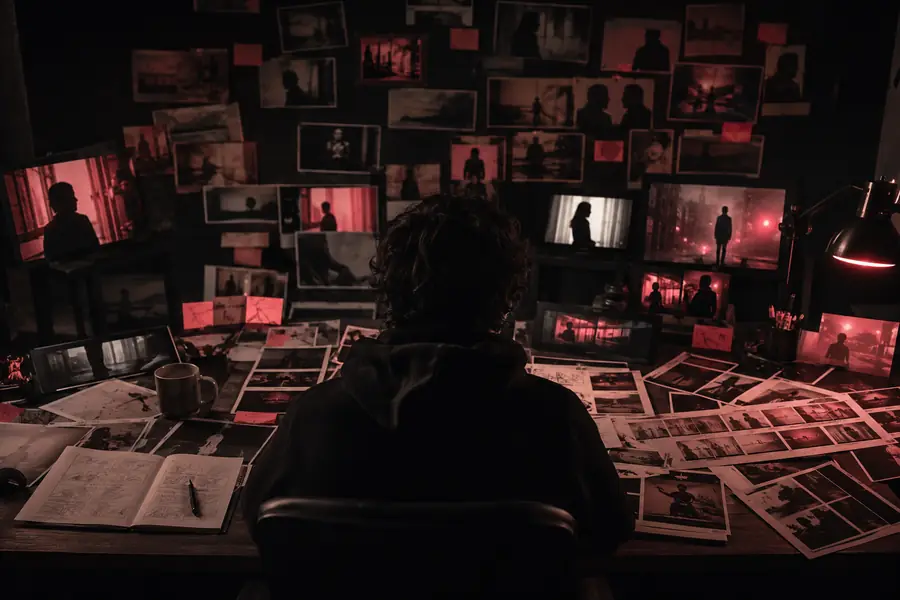
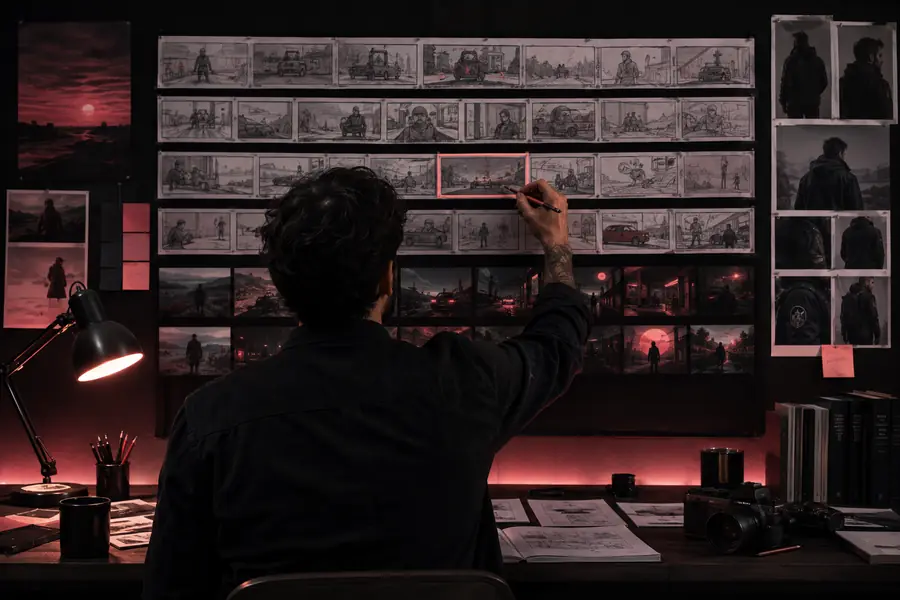
The “after” is a workflow improvement, not a promise of flawless output: the creator still decides what survives the cut.
Flova AI can be good for creators who value fast visual exploration, reference-led direction, and iterative scene work. It is less convincing as a fully automatic replacement for creative judgment or finishing.
Measure the complete path from brief to usable cut: how easily you can provide intent, steer a video generator, revise a weak shot, and preserve the choices that already work.
No. Flova AI is better understood as a creative production partner for planning, generation, and revision. Human direction, editorial taste, and final quality control remain essential.