More Than an AI Video Generator
Your All-in-One Flova AI Video Agent
Turn your workflow and taste into skills. AI that works your way.
Recent Projects
FlovaTV
Create Amazing AI Videos with Flova AI
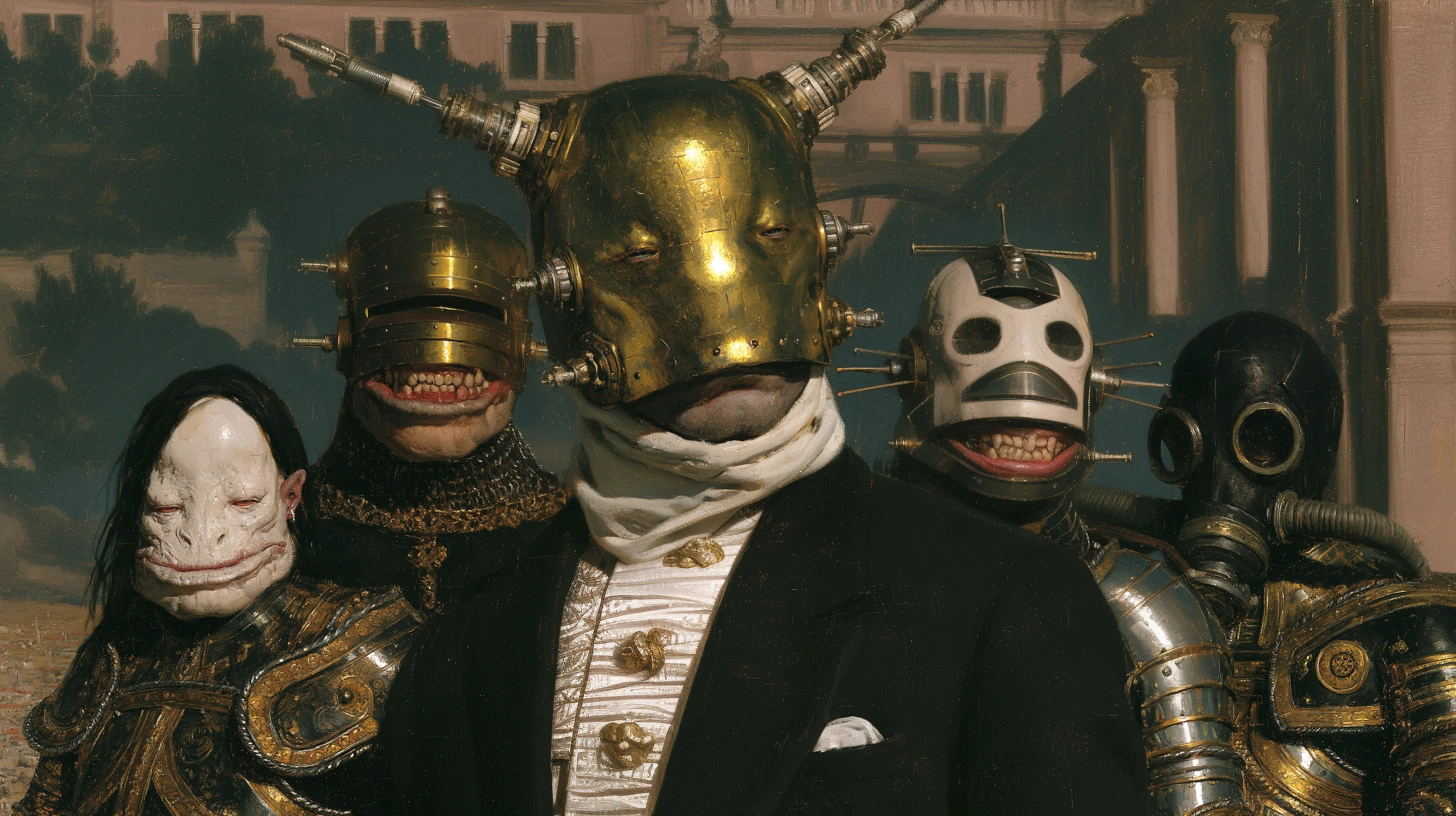
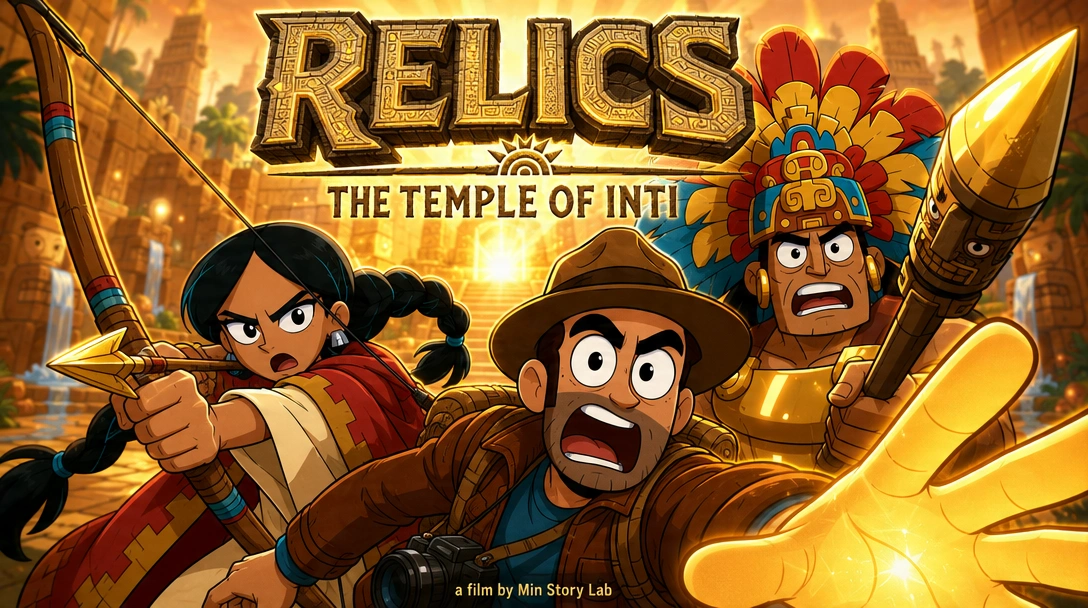
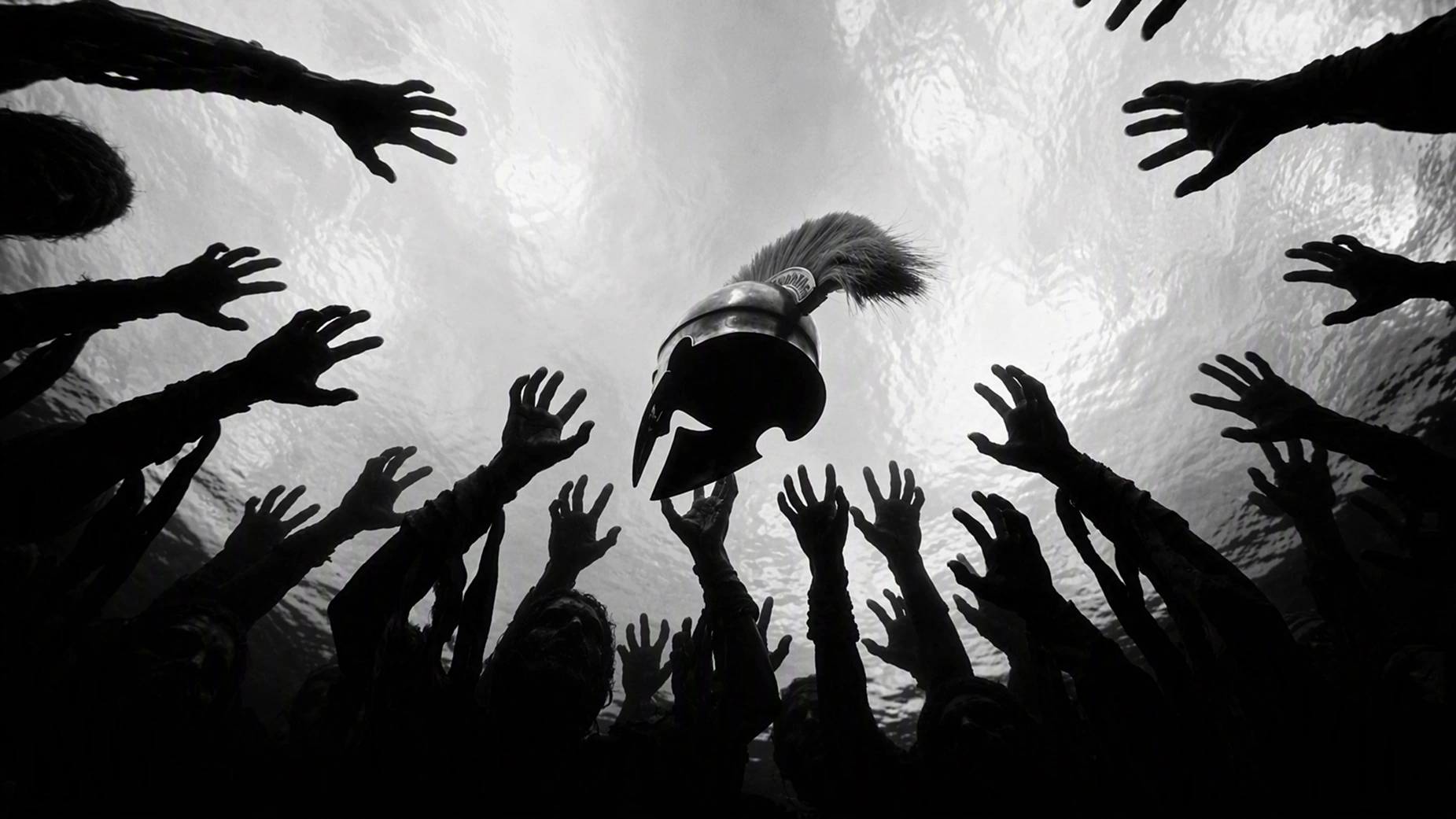
Six Capabilities Make AI Video Creation Easier
Flova brings the entire video production workflow into one AI video agent—from planning and storyboarding to asset creation, editing, and final export.
All the Top Models in One Place
One workspace, all the best models. Flova moves fast to add the latest AI video generation models.
Create in Your Own Words
No perfect AI video prompts needed. Just tell Flova what you want in your own words.
Direct Every Scene on Agent Canvas
Flova brings its AI video editor and the entire production into Agent Canvas.
Comment, Revise, and Stay in Control
Leave a comment on any storyboard, shot, or Element, and Flova AI Agent updates just that part.
Reuse Assets Across Projects
Creators can save characters, scenes, shots, and other creative assets to Flova's Asset Library.
Connect Your Agents with Flova CLI
Flova CLI connects with agents like Codex and Claude Code, bringing Flova into the workflows creators already use.
Let's start creating magical videos with Flova
Seamlessly convert concepts into cinematic cuts using intuitive multi-modal agent workflows.
What Makes Flova Different?
From first idea to final cut, Flova puts everything you need to create AI videos in one place.
Traditional Video Production
- × Expensive equipment, studios, and production crews
- × High filming costs and time-consuming production cycles
- × Hard to test new ideas quickly
- × Multiple rounds of manual revisions
Flova AI Video Creation Platform
- ✓ The Flova platform gives access to multiple leading models
- ✓ All-in-one creation for text-to-video, image-to-video
- ✓ Create films, ads, and mv, sns video in one place
- ✓ Turn ideas into finished videos faster
Questions and Answers
What can I use Flova for?
How do I access different video generation models?
Does Flova support workflow automation?
What kind of inputs does the Agent Canvas accept?
Where can I find help if I get stuck?
AI Video News
Stay up to date with the latest advancements in AI video generation models and creative workflows.
Seedance 2.5 vs Wan 3.0: What Changed
Flova now supports the latest generative video checkpoints with expanded camera control.
How to Use the Agent Canvas Developer SDK
Programmatically script multi-shot storyboards directly from terminal workflows.
Mastering Style Consistency
Learn how to lock character details across multiple scenes using asset libraries.